
First story
USD 9.90/ one-time
30 credits
Granted once. No scheduled credit expiry.
- Download your MP4 videos
- Every story effect included
- Credits returned for failed renders
Make the zombie love story yours. Add your photos, choose your roles, and turn an impossible goodbye into a cinematic AI video.
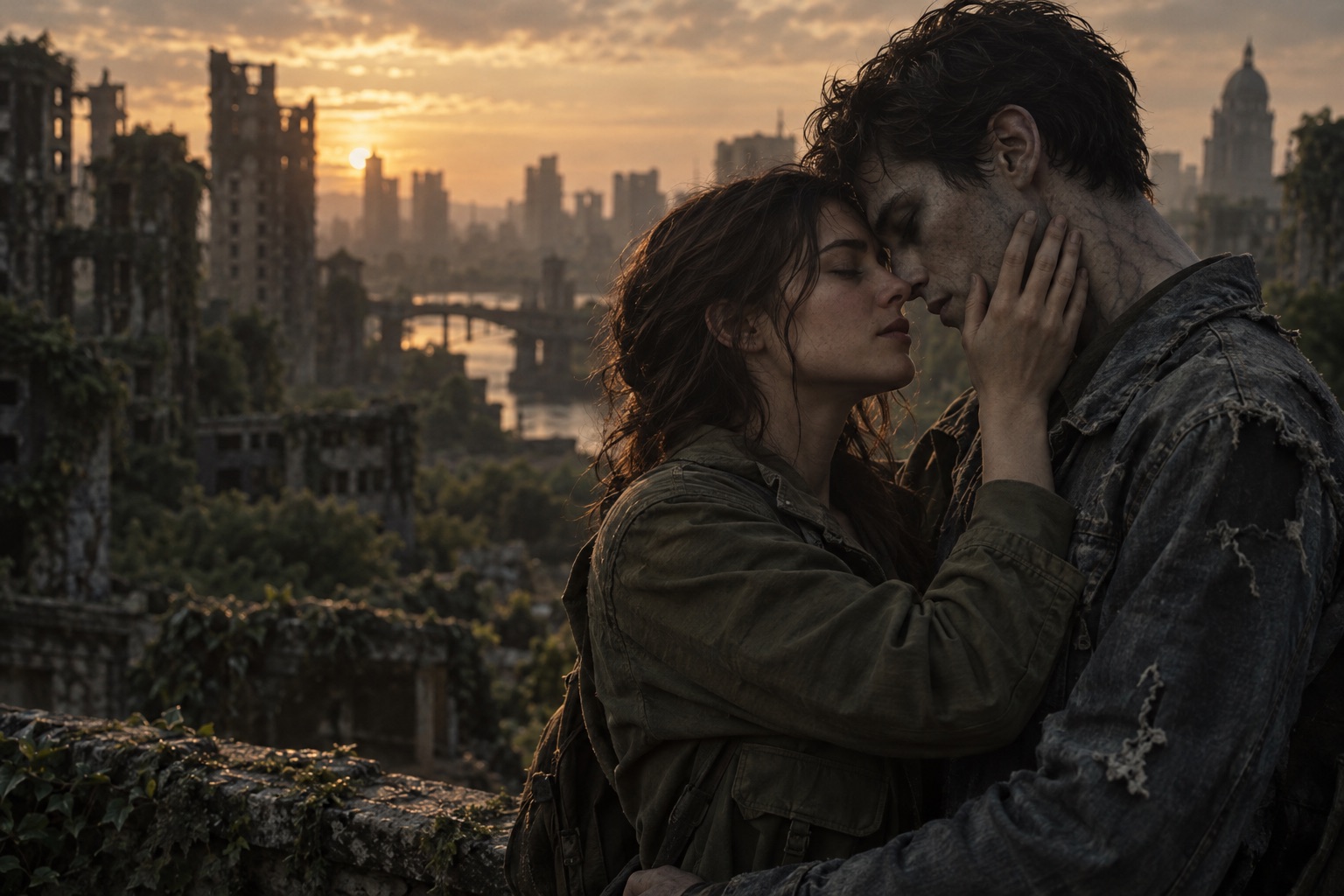 STORY CONCEPT · AI ILLUSTRATION
A familiar face. A different world.
No prompt needed. Just the two of you.
Upload clear portraits or one shared photo. Choose who stays human and who transforms.
Pick your effect, format, quality and duration. Review the credit cost before you create.
Follow the progress in your video history, preview the result and download your completed video.
Creator guides
Choose your cast, prepare your photos, and make the story your own. Start with a practical guide for your first video.
A zombie couple video works when the viewer recognizes the relationship before noticing the effect. Start with two expressive, readable faces and choose who changes before you upload.
Understand the formatThe zombie AI story format uses a horror setting to tell a story about recognition and connection. The transformation is the setup; the emotional reunion is the point.
Get your photos readyReference quality matters more than an elaborate background. Clear faces, distinct subjects, and consistent lighting give an image-to-video model a more useful starting point.
For you and your petA pet version is about recognition and companionship. A clear face and distinctive fur markings help establish that the animal in the story is your companion.
For your favorite personThe same story structure works for friendship: one friend has changed, the other still recognizes them. Make the mood warm, playful, or quietly emotional.
Plan the storyA useful video prompt describes who is present, what changes, and how the camera follows the emotion. More adjectives do not automatically produce a more coherent clip.
A Halloween storyUse Halloween as the setting for a short story about two recognizable characters. Costumes can suggest the occasion, but clear faces and a simple relationship matter more than elaborate makeup.
It is a short fictional scene created from reference photos. One character becomes a zombie while the other recognizes the person they love. A reunion and a warm memory turn the scene into an emotional story. The result is AI-generated, not footage of a real event.
Use clear, well-lit photos with one visible face in each image, or a shared photo where both subjects are easy to distinguish. Avoid sunglasses, strong beauty filters, screenshots, and very small faces. Only use photos you own or have permission to use.
In two-photo mode, the first photo is the survivor and the second is the transformed character. In a shared photo, place the survivor on the left and the transformed character on the right. For an animal companion, choose the pet option before generating.
Yes. You can choose a story with an adult partner, an adult friend, or a pet. For a pet, use a photo that clearly shows the eyes, muzzle, and distinctive markings. Do not use a child in an adult zombie story.
Creating an account and exploring the studio are free. Registration does not include free generation credits. Purchase credits to render a video. The studio shows the cost for your selected model, resolution and duration before you submit; available purchases are listed on the pricing page.
AI results can vary. Reference photos guide the appearance, but face details, hands, motion, and scene timing may differ from your intent. Preview your result before sharing and use a clearer photo if a subject is difficult to recognize.
Check the task status in your video history before submitting again. A queued or processing task is still running. If the provider reports a failed generation, the task is marked failed and its generation credits are returned. Contact support if the status or credit balance does not resolve.
Download your completed video and check the destination platform’s current rules for synthetic media, music, and permitted content. Use an AI disclosure where required, obtain the subjects’ permission, and only add audio that you have the right to publish.
Choose a one-time pack or a subscription. The exact credit cost is shown before every generation.
Credits pay for generation, not a fixed number of videos. Cost varies by model, resolution and duration. For example: 12s at 720p with Seedance 2.0 Mini uses 10 credits.
USD 9.90/ one-time
30 credits
Granted once. No scheduled credit expiry.
USD 29.90/ month
100 credits
Granted each paid month; unused credits expire at the end of that paid period.
USD 100.00/ year
400 credits
Granted once per paid year, not monthly; unused credits expire at the end of that paid period.
Secure checkout with Waffo
Subscriptions renew automatically. Cancel future renewals from Billing. Taxes, if applicable, appear at checkout.
Site credits per 12-second video. Each tier names the actual AI model.
| Model | 480p | 720p | 1080p |
|---|---|---|---|
| StandardSeedance 2.0 Mini | 5credits | 10credits | Unavailable |
| FastSeedance 2.0 Fast | 8credits | 17credits | Unavailable |
| ProSeedance 2.0 | 10credits | 20credits | 50credits |
Other supported durations scale from the 12-second rate, rounded up to the next whole credit. Check your selected cost before generating.
Registration is free. No free generation credits are included; purchase credits to generate a video.